Brain dump now.
Sort it later.
An idea in the car, a video to watch later, a to-do you'll forget by lunch. Type it, paste it or say it, and it becomes a card. When you're ready, drag cards into each other to sort them out, or don't.
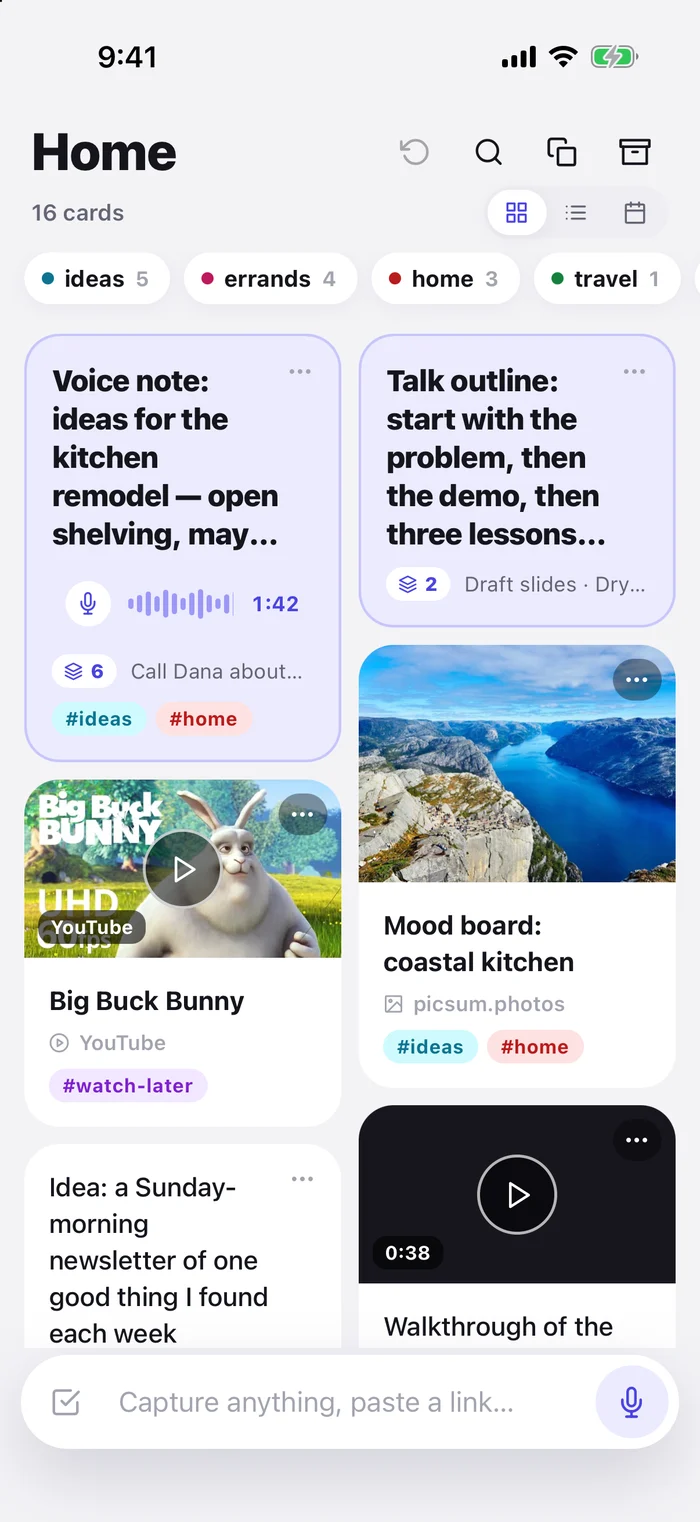
Catch it first. Organize when you feel like it.
Nothing asks where something goes. New cards land at the top, and everything else can wait.
Type it, paste it, say it.
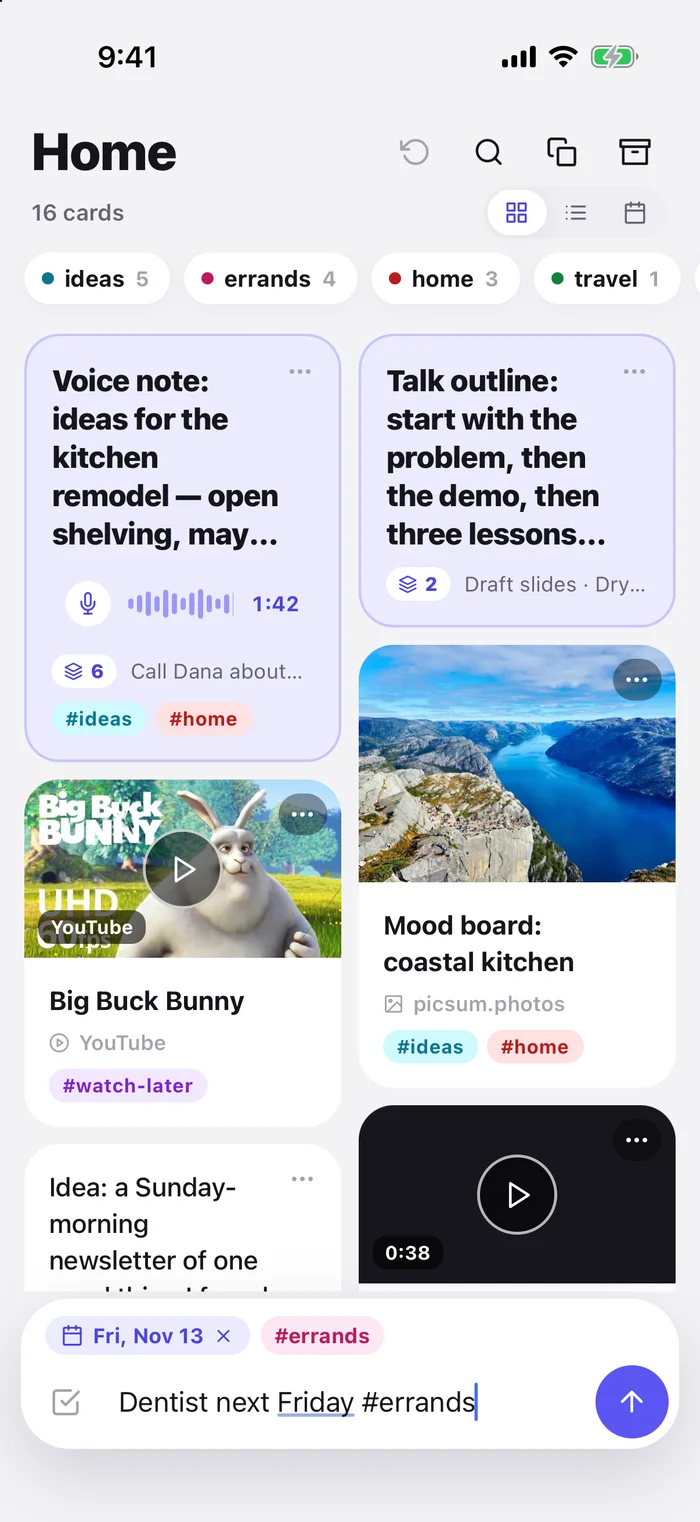
One line at the bottom of the screen is always ready. Send a thought and the keyboard stays up for the next one.
- #labels and dates as you type: "dentist next friday #errands"
- Paste a YouTube, Vimeo, image or page link and play it right in the app
- Tap ☐ to make it a to-do, or share from any app to save pages, text, pictures, videos and files
- Voice notes are transcribed on your phone, even offline, and play back anytime
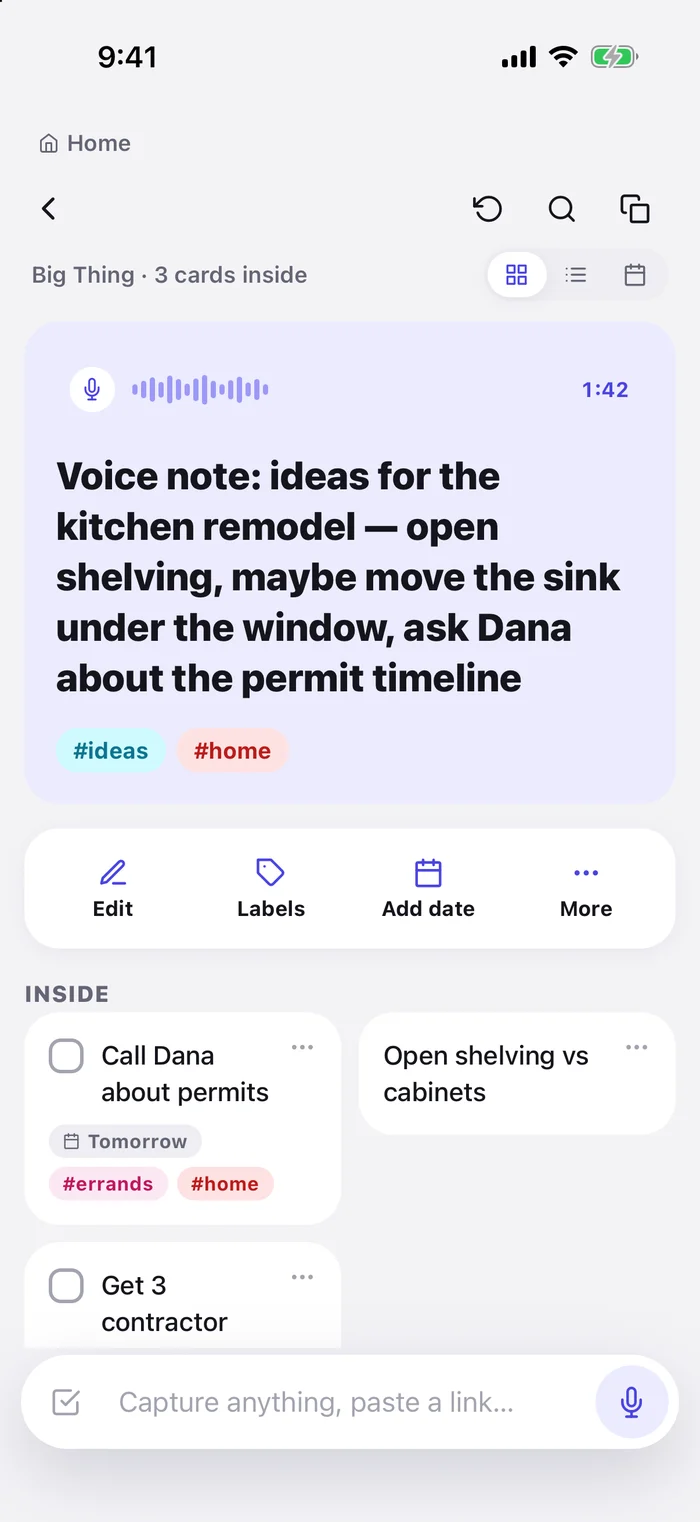
Drag cards into each other.
Drop a to-do onto a project, a link onto an idea, a voice note onto a trip. Open a card to see what's inside, or read it in full on its own page.
- Mark the cards that matter as Big Things; they stand out and stay on top
- Drag a card onto the path above to move it back out
- Drag finished things into the Archive, restore them anytime
- Undo for everything
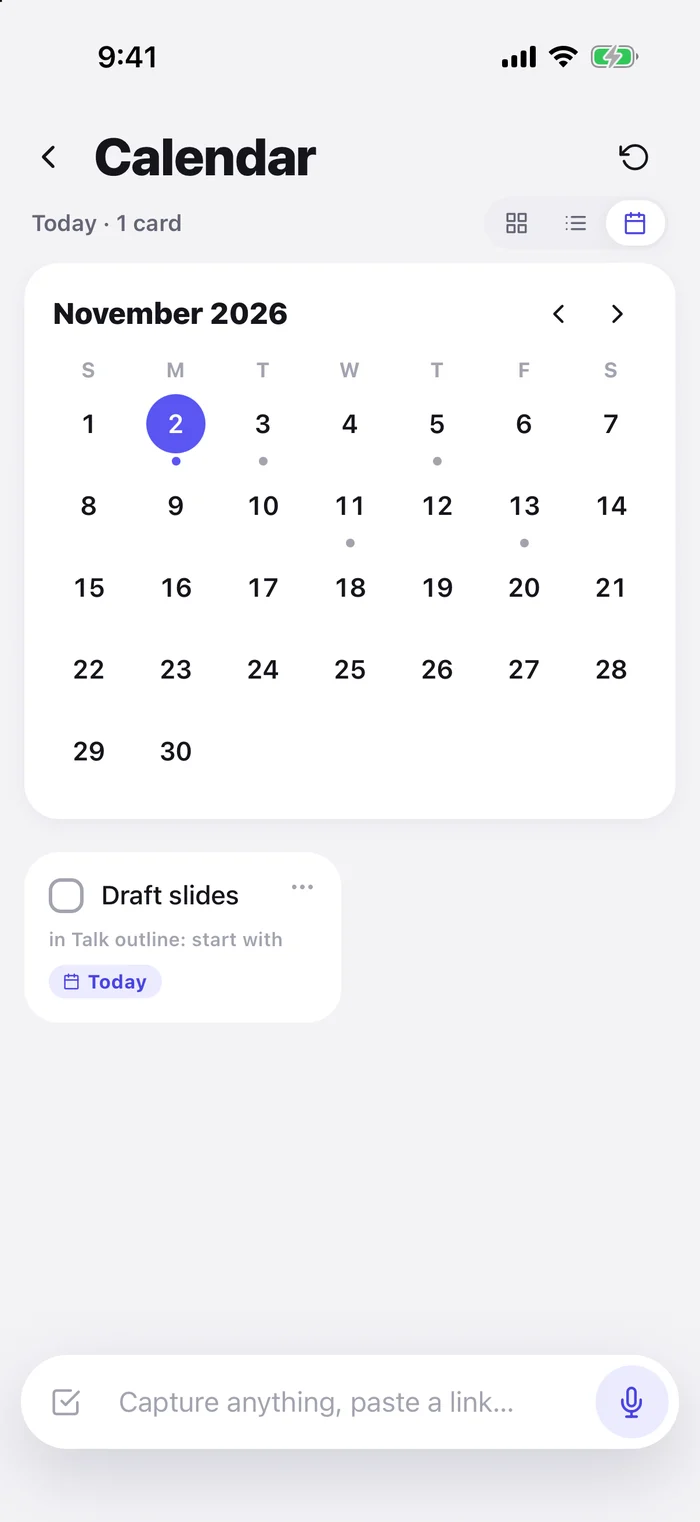
See it your way.
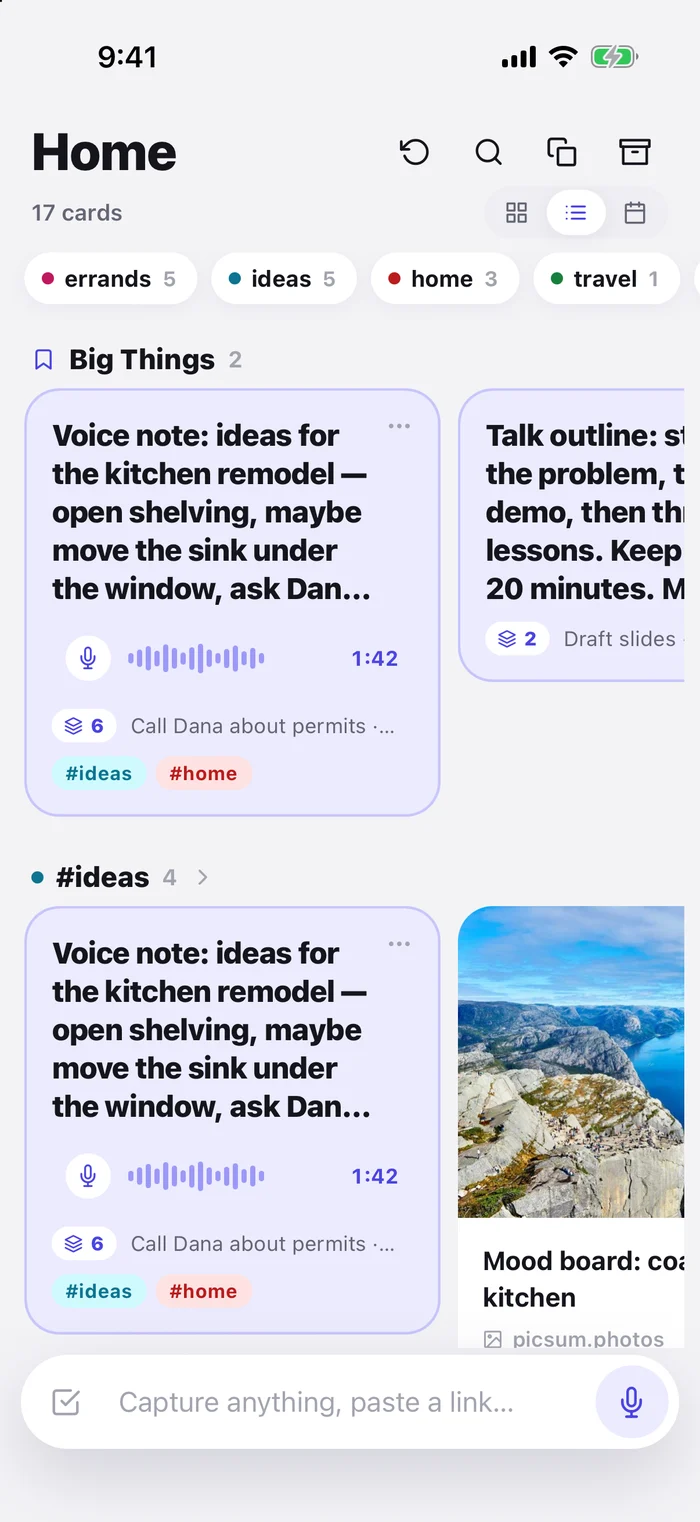
The same cards, three ways to look at them, plus search across everything.
- Cards: a gallery of everything at this level
- Group by label: swipe each row, drag a card to another row to relabel it
- Calendar: dated cards by day, overdue to-dos in red, optionally synced to Apple Calendar
- Search every card, archived ones too
Your cards stay on your phone.
No account needed, nothing uploaded, nobody reading along. When you want something out, copy it as a list or share it.
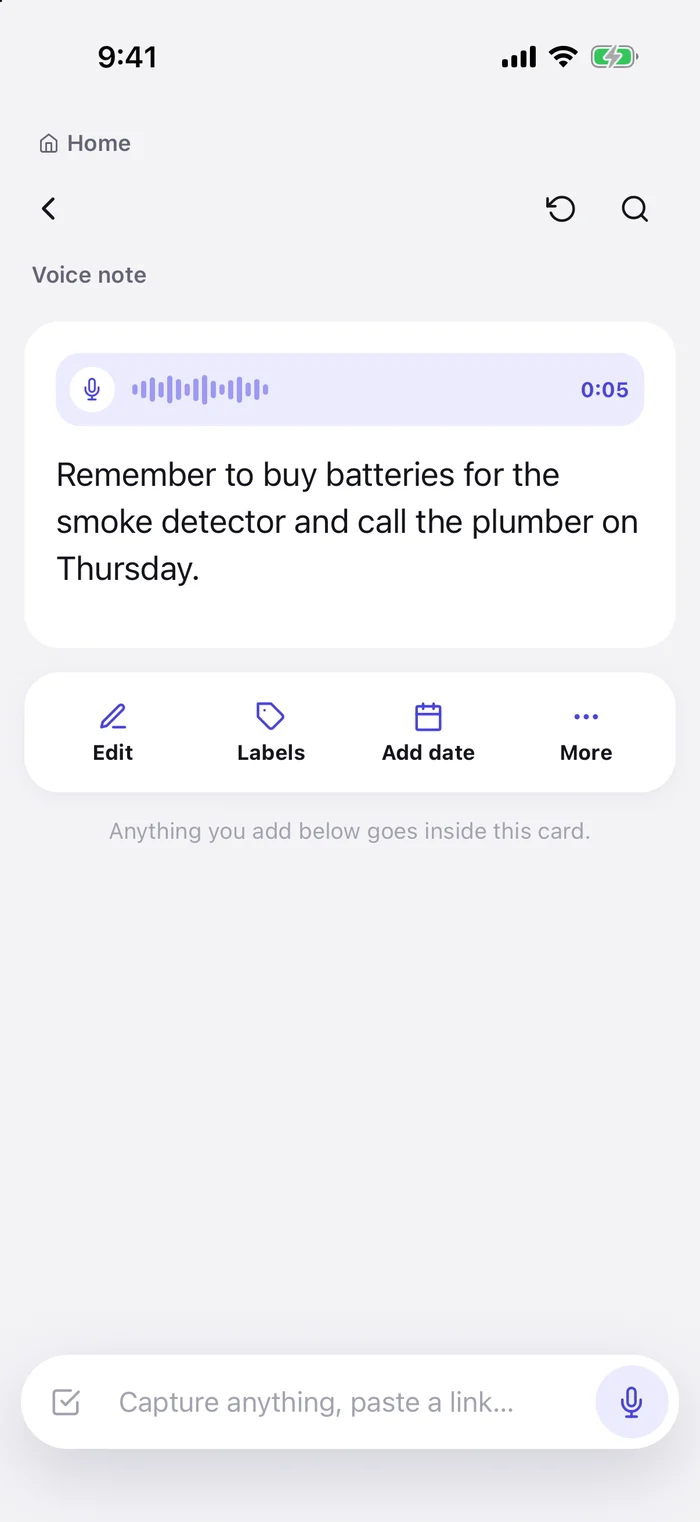
- Voice is transcribed on the device; recordings stay on your phone to play back
- No ads, analytics or tracking
- Copy any card, with everything inside, as plain text, Markdown or a checklist