
Your work and your money, in one place.
Connect your accounts once. Track time by job, send invoices from your own Gmail, split the bills you share, and keep write-offs and get suggestions on potential taxes. WorkFlow helps you sort your financial details so you can focus on the work.
Everything a freelancer's money needs.
Built for people whose business and household share the same bank accounts: quick to set up, calm to use, and clear about what's business and what's personal.
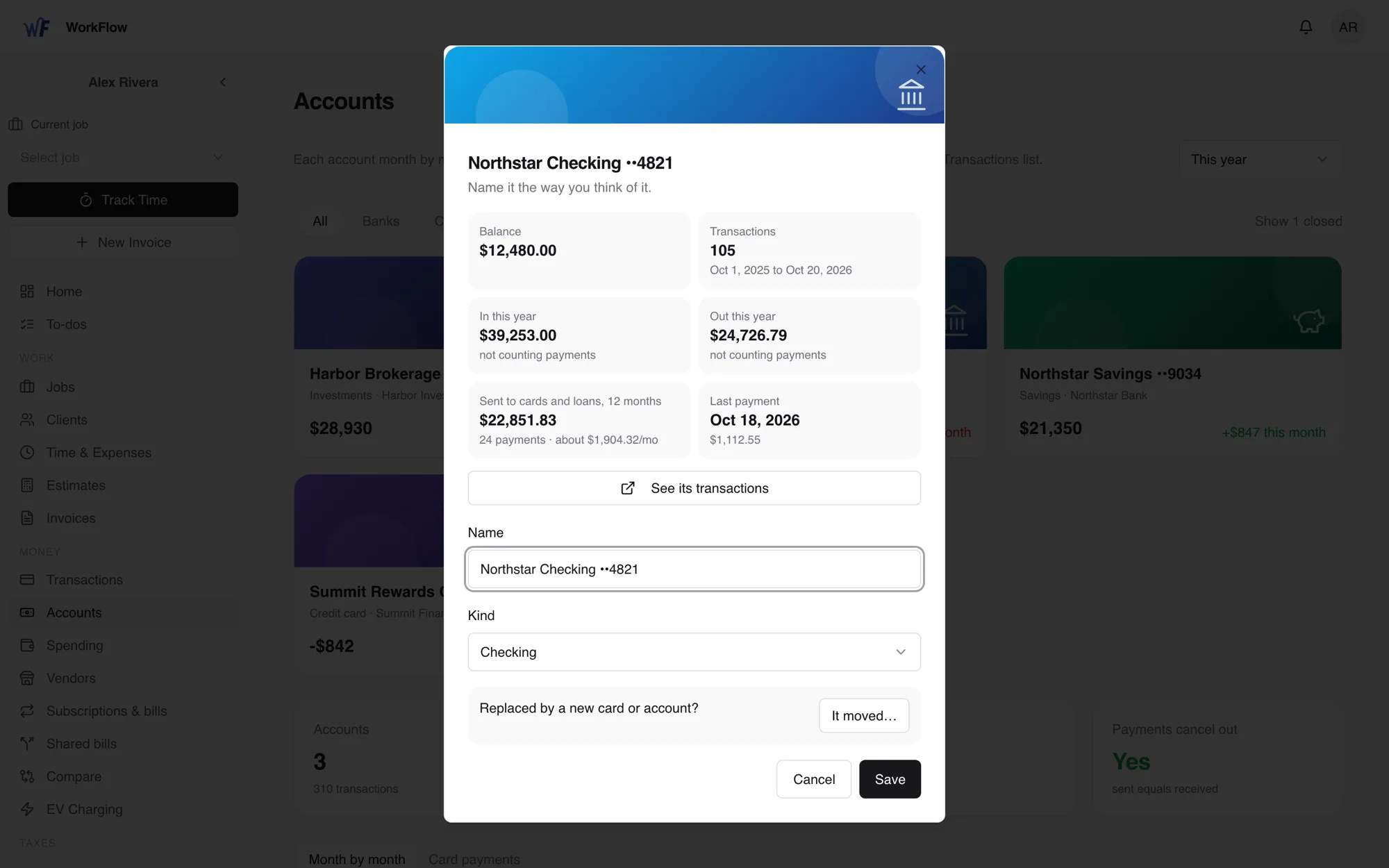
Every account, one clean record.
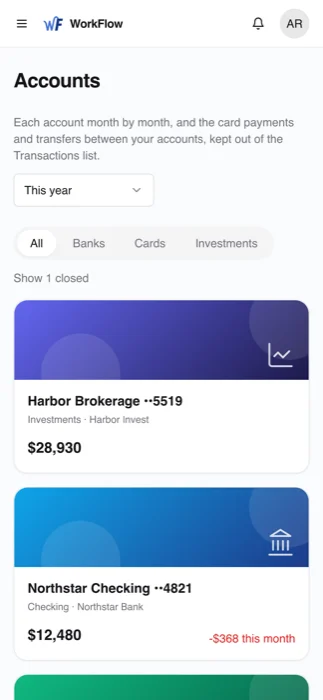
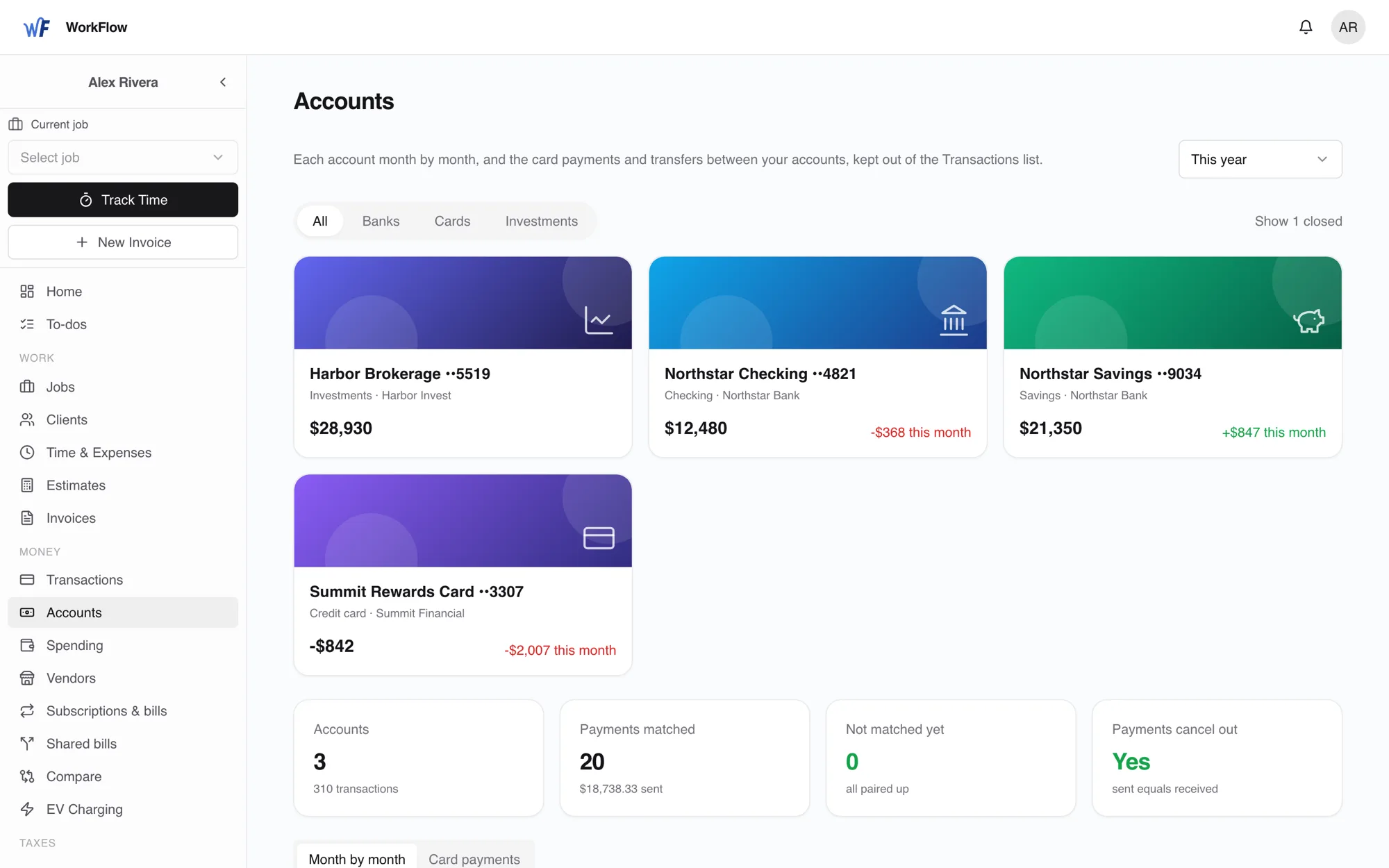
Connect banks, cards and brokerages through Plaid. Each account gets one name and one card, even when the bank and your old statements call it three different things.
- Month-by-month totals for each account
- Card payments matched to the bank side and kept out of your spending
- Replaced a card? One step removes the charges the new card repeated
- Import years of history from CSV, with duplicates skipped
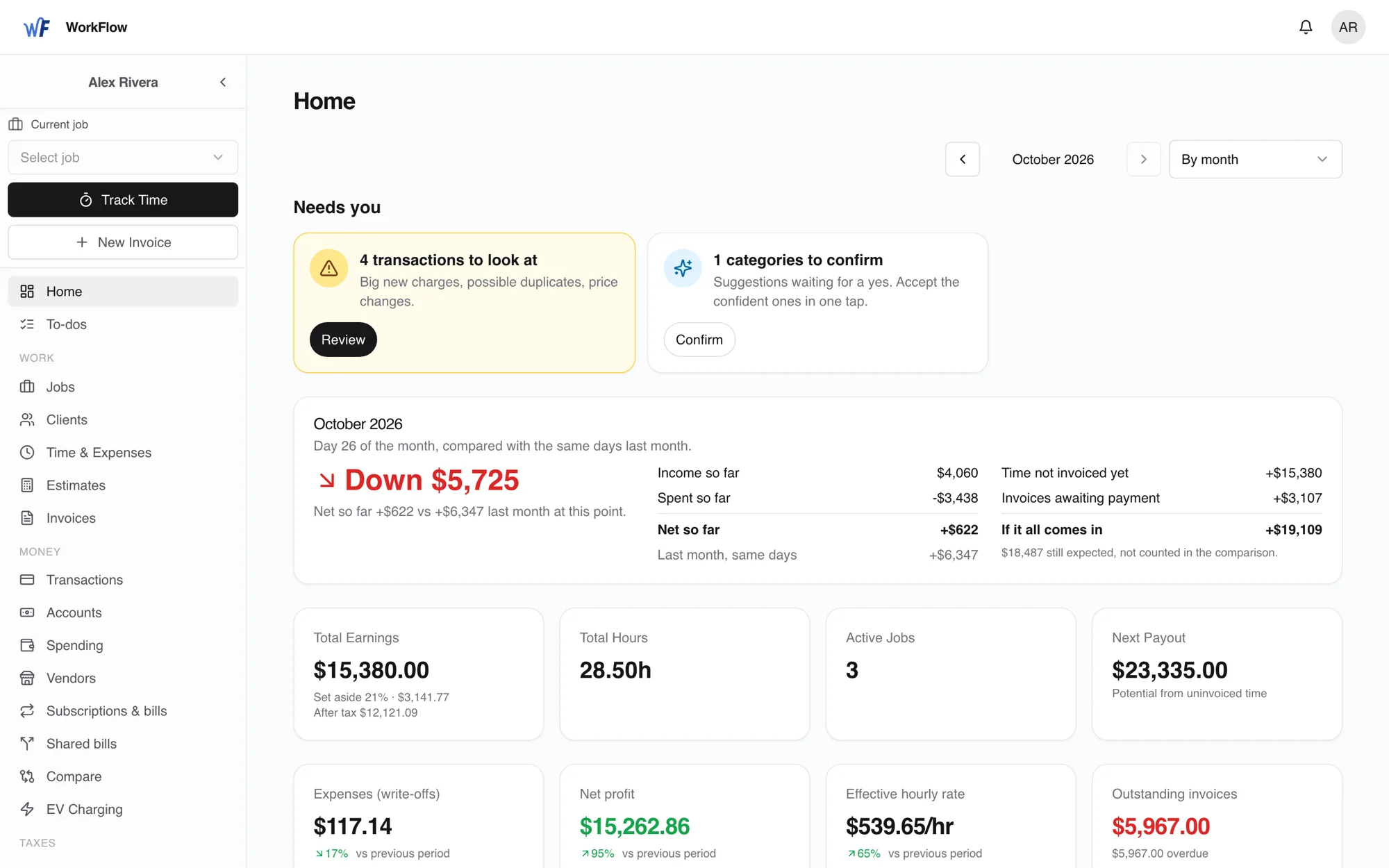
Only what needs a look.
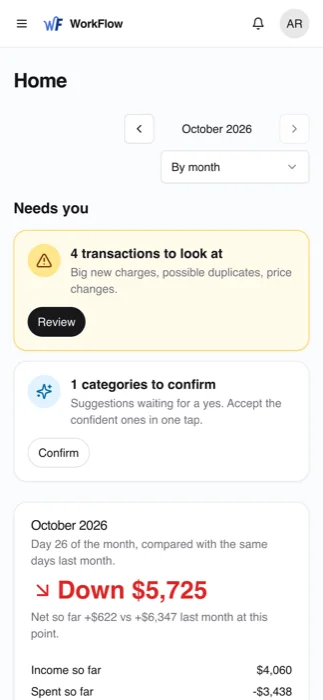
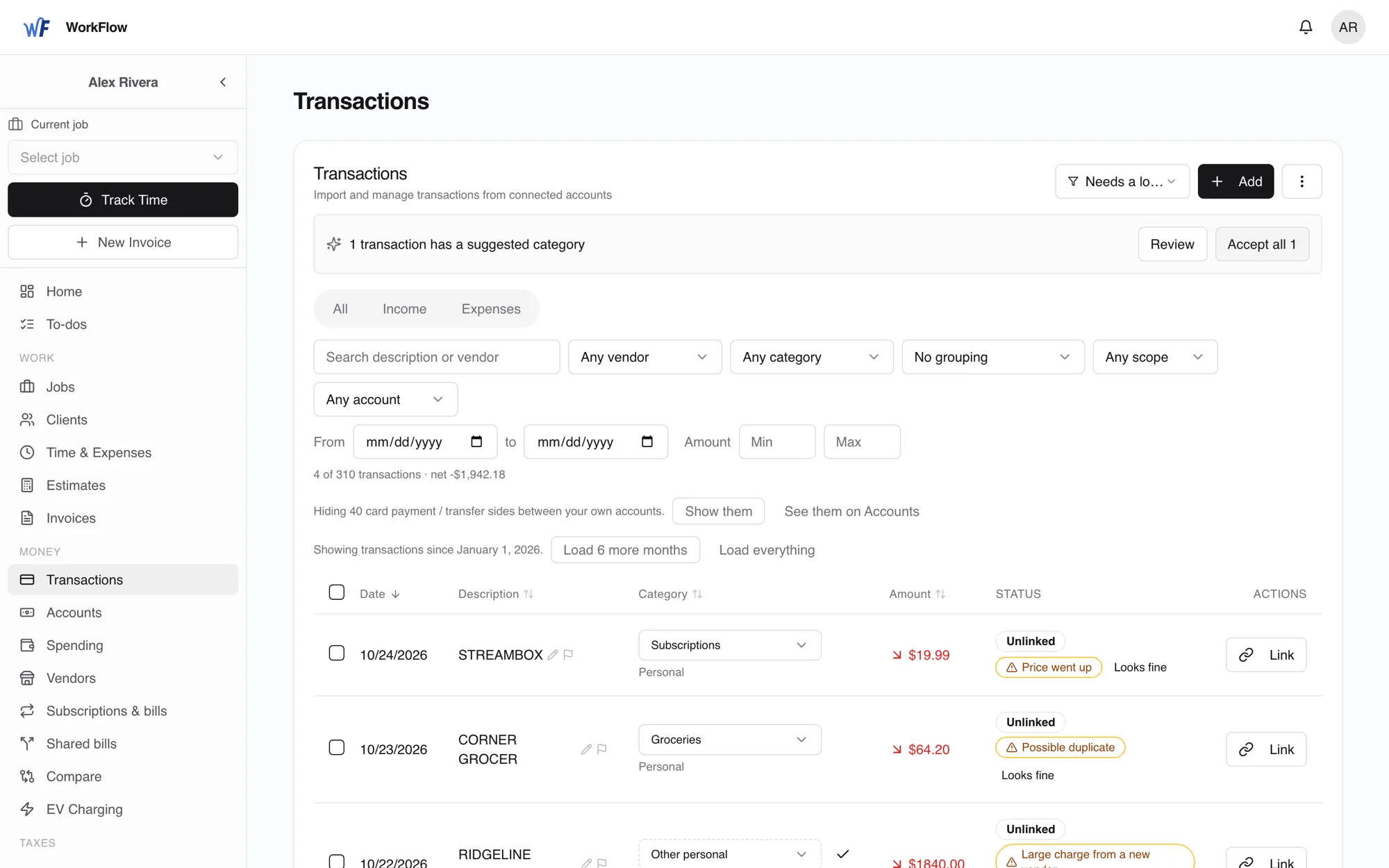
Transactions sort themselves into business and personal and get better each time you correct one. Home shows a short list of the few things worth your attention.
- Flags for big new charges, duplicates, price increases and refunds
- Accept confident categories in one tap, or set many at once
- Click any chart to see the transactions behind it
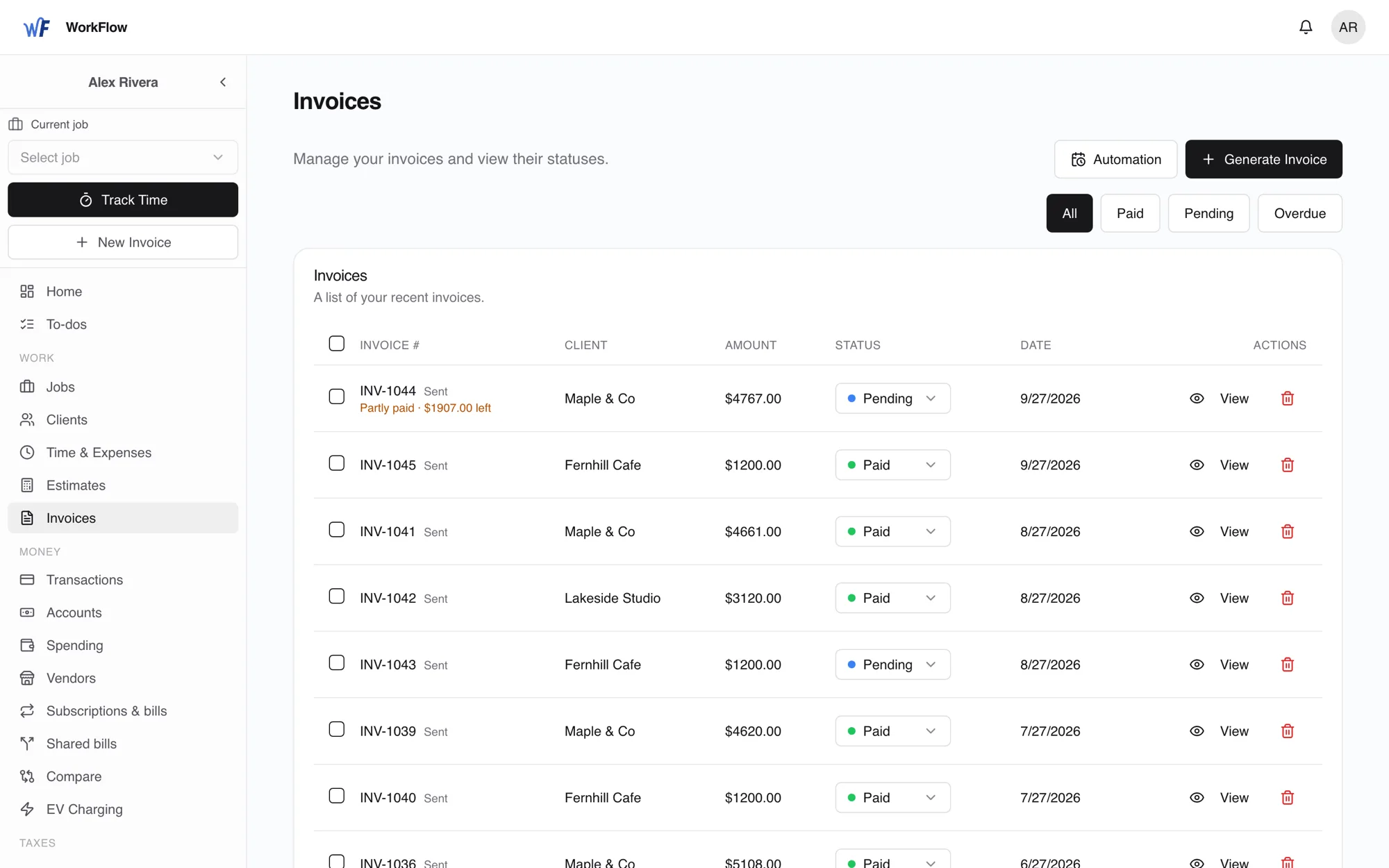
From hours worked to a paid invoice.
Track time by job and project, or sync it from Harvest. Turn it into a PDF invoice, email it from your own Gmail, and see it marked paid when the money lands.
- Hourly, daily, flat and per-project rates
- Invoices by week, month, quarter or picked entries; several in one email
- One deposit can pay several invoices, with what's left shown on each
- Hours reports by job, project or month as CSV
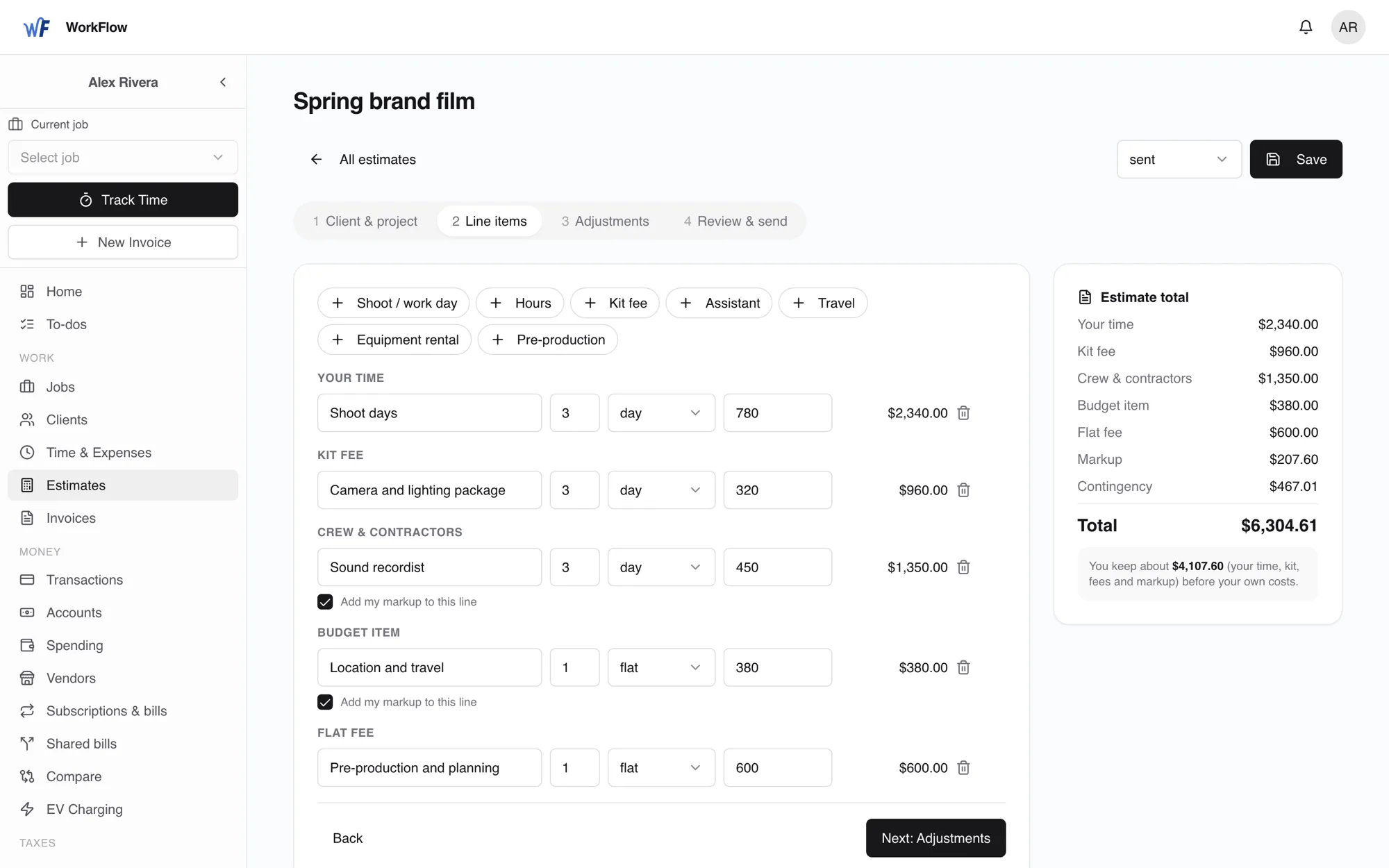
- Estimates with kit fees and budget lines, sent as a proposal (Pro)
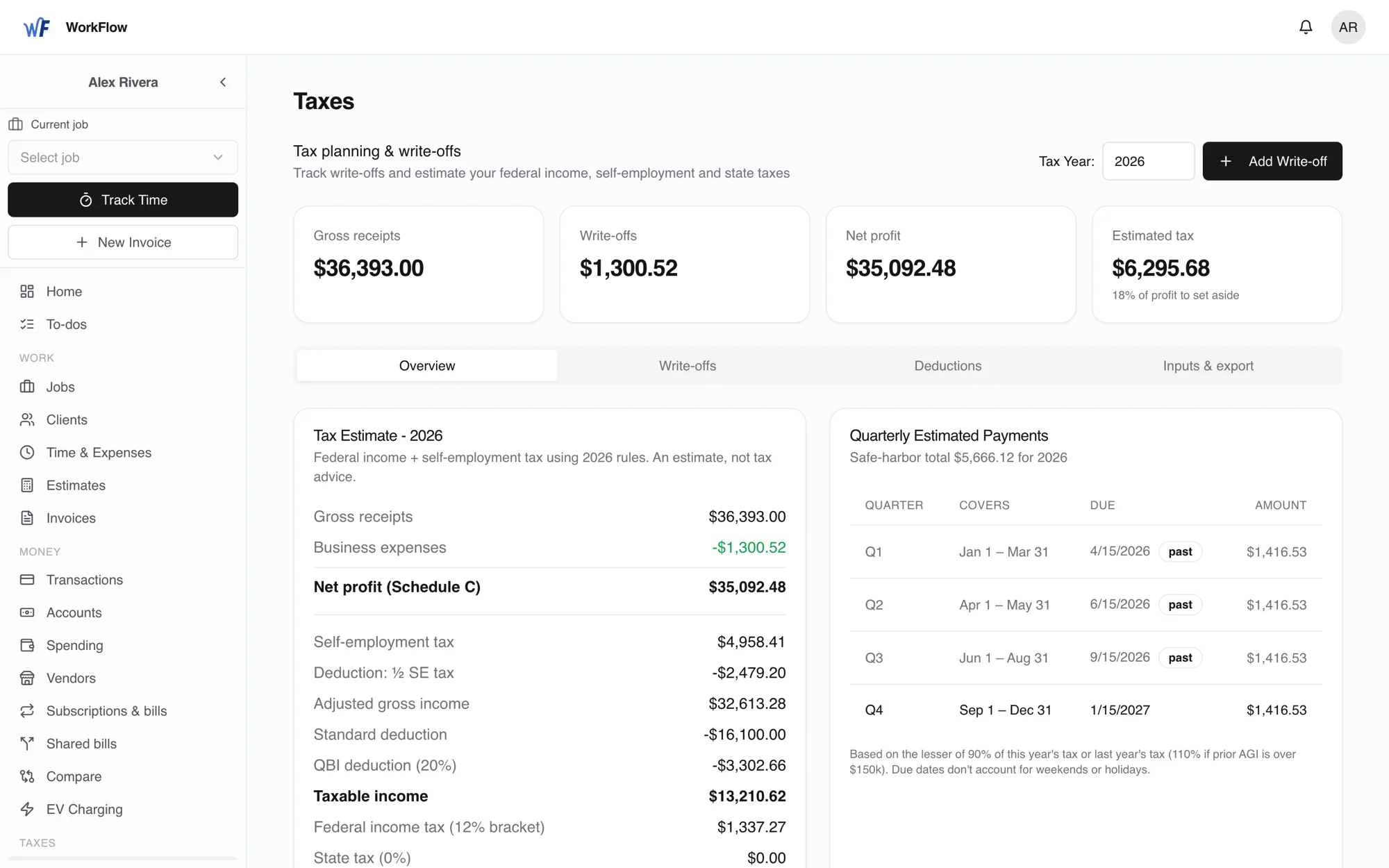
Taxes without the shoebox.
Business expenses become write-off suggestions with their Schedule C line. Add home office, vehicle and retirement deductions, see quarterly estimates, and hand your accountant one download.
- Hide a suggestion once and it won't come back
- Comments and groups on any transaction for your records
- Accountant package: every transaction, write-off and receipt in one zip (Pro)
Take a look around.
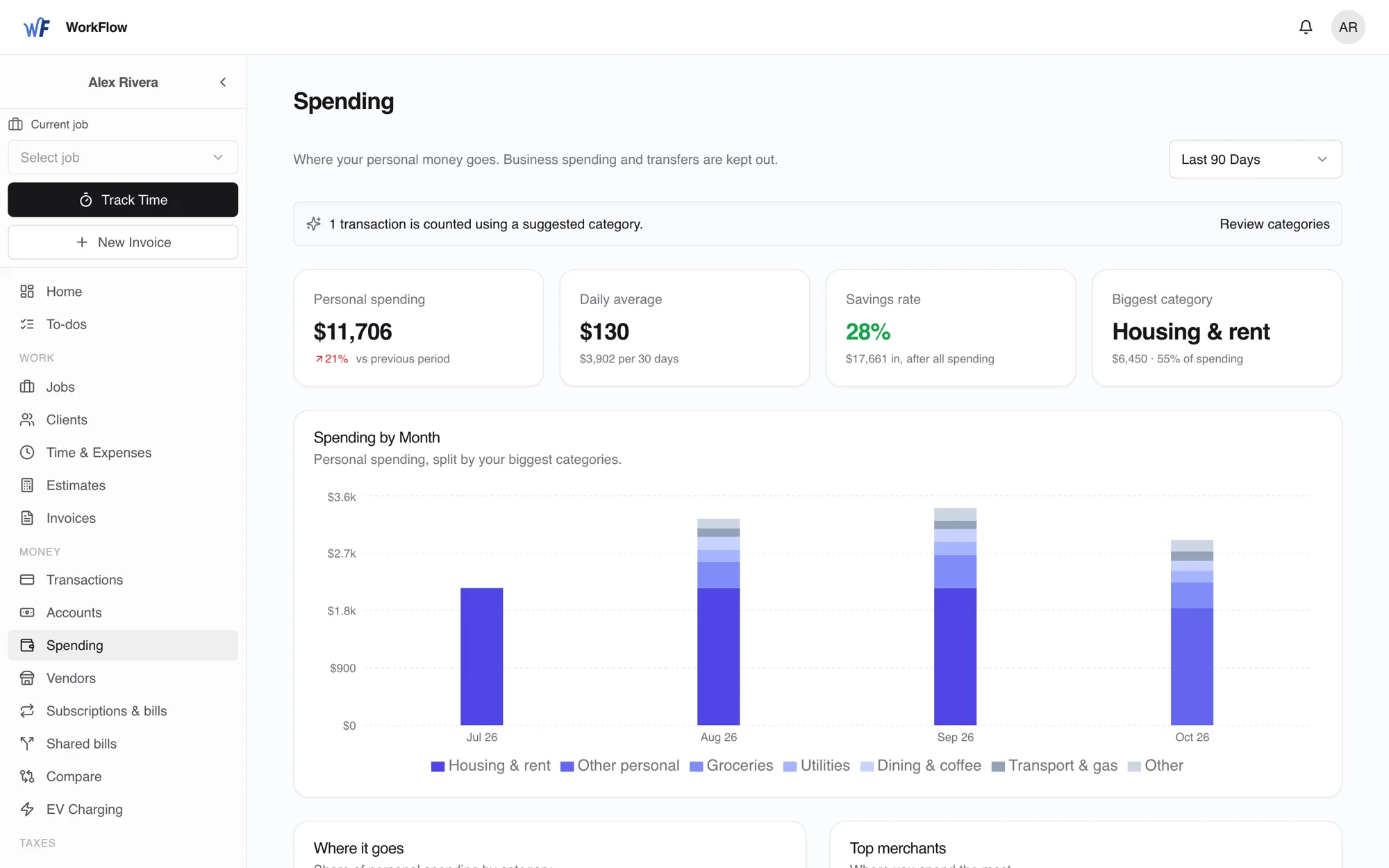
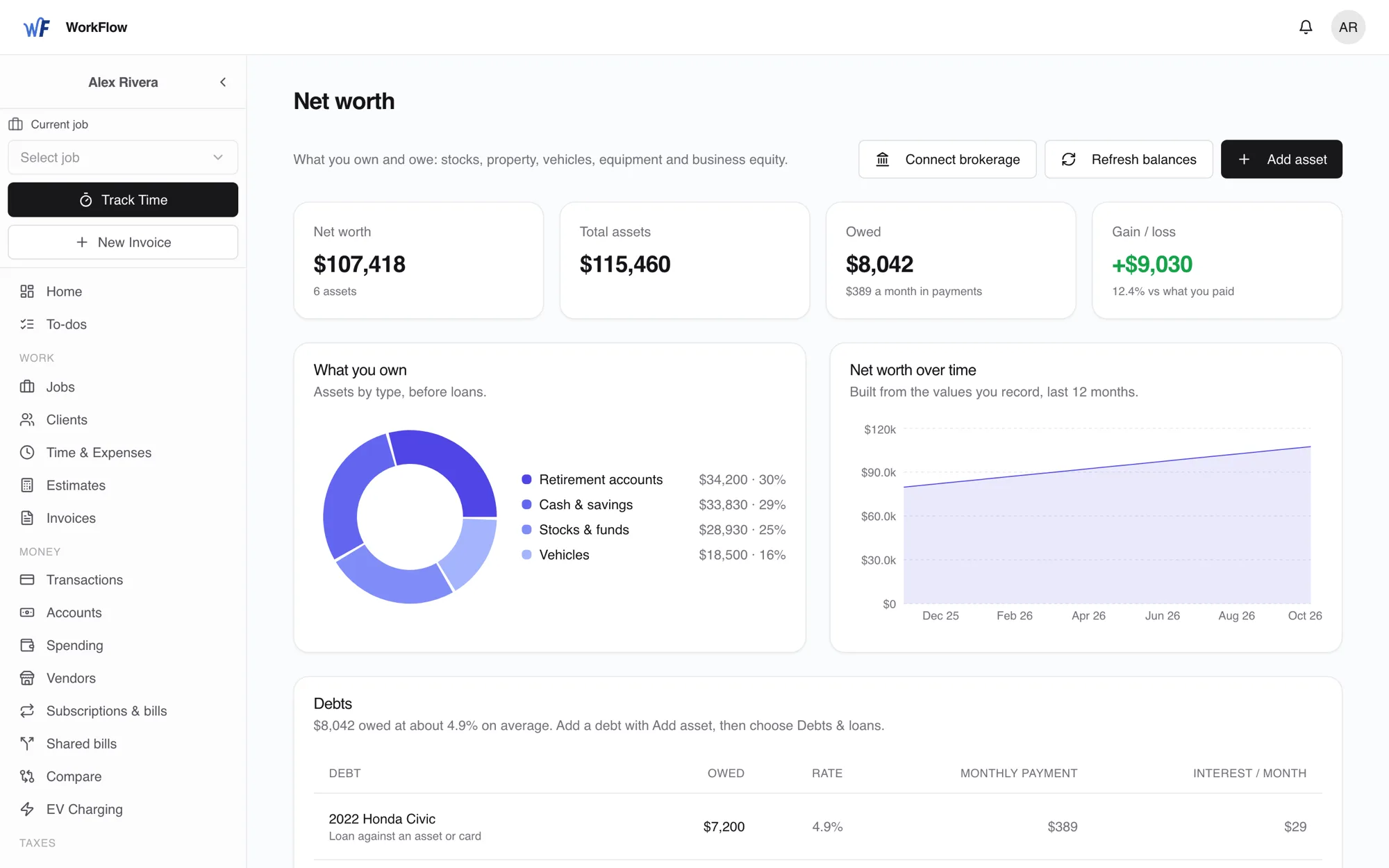
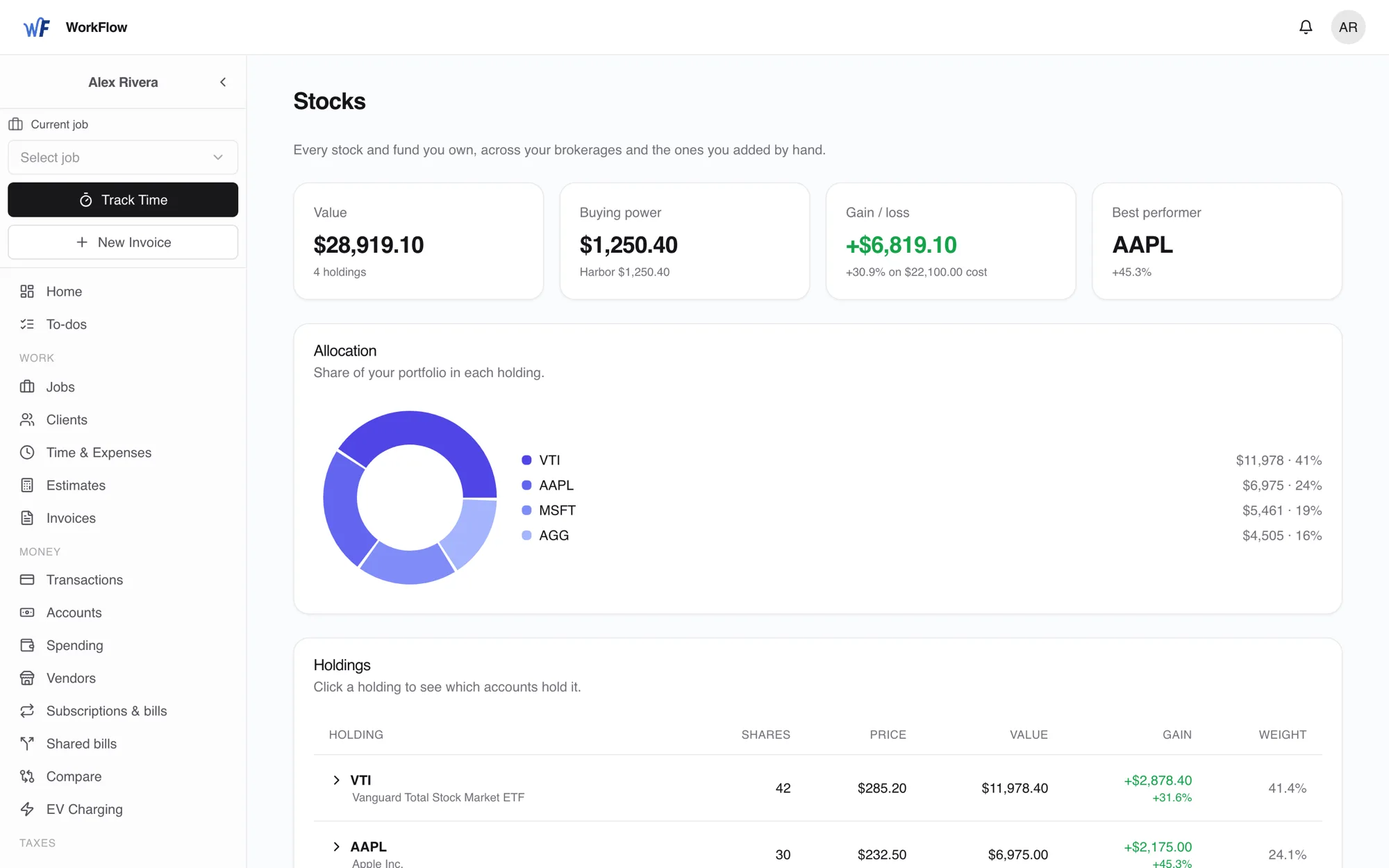
Shown with made-up sample data for a fictional freelancer. Pick a screen; click the screenshot to open it full size.
The rest of the toolkit.
Subscriptions & bills
Every recurring charge, what it has cost you to date, and payment plans with a progress bar.
Vendors
Who you pay the most, all time or by period, with card payments, rent and taxes set aside.
Shared bills
Split rent and utilities, send them to a shared Google Sheet, and link their payment back (Pro).
Net worth
Accounts, investments, your car and your home in one number, each with its own details.
Stocks & forecasts
Holdings across brokerages with gain and buying power, plus growth and cash-flow scenarios (Pro).
EV charging
Charging cost by time-of-use rate and bill cycle, taken off your electric bill (Pro).
Two plans. 14 days free.
Add a card at the start; you're charged when the trial ends unless you cancel first.
Standard · $15/month
- Banks, cards and brokerages, with categories that learn
- Accounts, spending, vendors, comparisons and flags
- Subscriptions, bills and payment plans
- Write-offs, deductions and quarterly estimates
- Jobs, clients, time tracking and hours reports
- Net worth and to-dos
Pro · $25/month
- Everything in Standard
- Invoicing from your Gmail, schedules and Drive copies
- Estimates and proposals with templates
- Harvest sync and the accountant package
- Shared bills, EV charging, stock tracker and forecasts
Built to be trusted with your money.
- Two-step sign-in is required for everyone: an authenticator app or a passkey.
- Banks connect through Plaid with read-only access. WorkFlow never sees your bank password and cannot move money.
- Bank, Google and Harvest connections are encrypted (AES-256) and kept on the server, never in your browser or phone.
- You get an alert in the app for a new sign-in device, a new bank connection or a data download.
- No AI: no AI model or service reads your data, and no feature uses one.
- No tracking cookies, no ads, no selling your data. Download everything or delete your account any time.
Questions
Can it move money out of my accounts?
No. Bank access is read-only: balances and transactions, nothing more.
Does it use AI?
No. Categories, flags and forecasts come from plain rules and your own past choices, calculated from your records alone. If that ever changes, it will be something you choose to turn on.
What happens after the free trial?
Your plan starts at $15 (Standard) or $25 (Pro) a month. Cancel before day 14 and you aren't charged.
Is this tax or financial advice?
No. WorkFlow organises your numbers and estimates taxes to help you plan. Talk to a professional for advice.
Is there a phone app?
Yes, for iPhone and Android. Subscriptions are managed on the web.
How do I delete my account?
In the app: Settings → Security → Your data → Delete account. See how deletion works.
Get your month under control.
14 days free, then from $15 a month. Cancel anytime.