Hear a few seconds. Buzz in. Name that tune.
A music quiz for game night. Put the game on the TV, and everyone joins from their own phone with a room code. A song starts, the clock runs, and the first person to buzz gets to answer. The faster you are, the more you score.
Up and running in a minute.
One screen everyone can see, one phone to run the game, and a phone for each player.
1. Open it on the TV
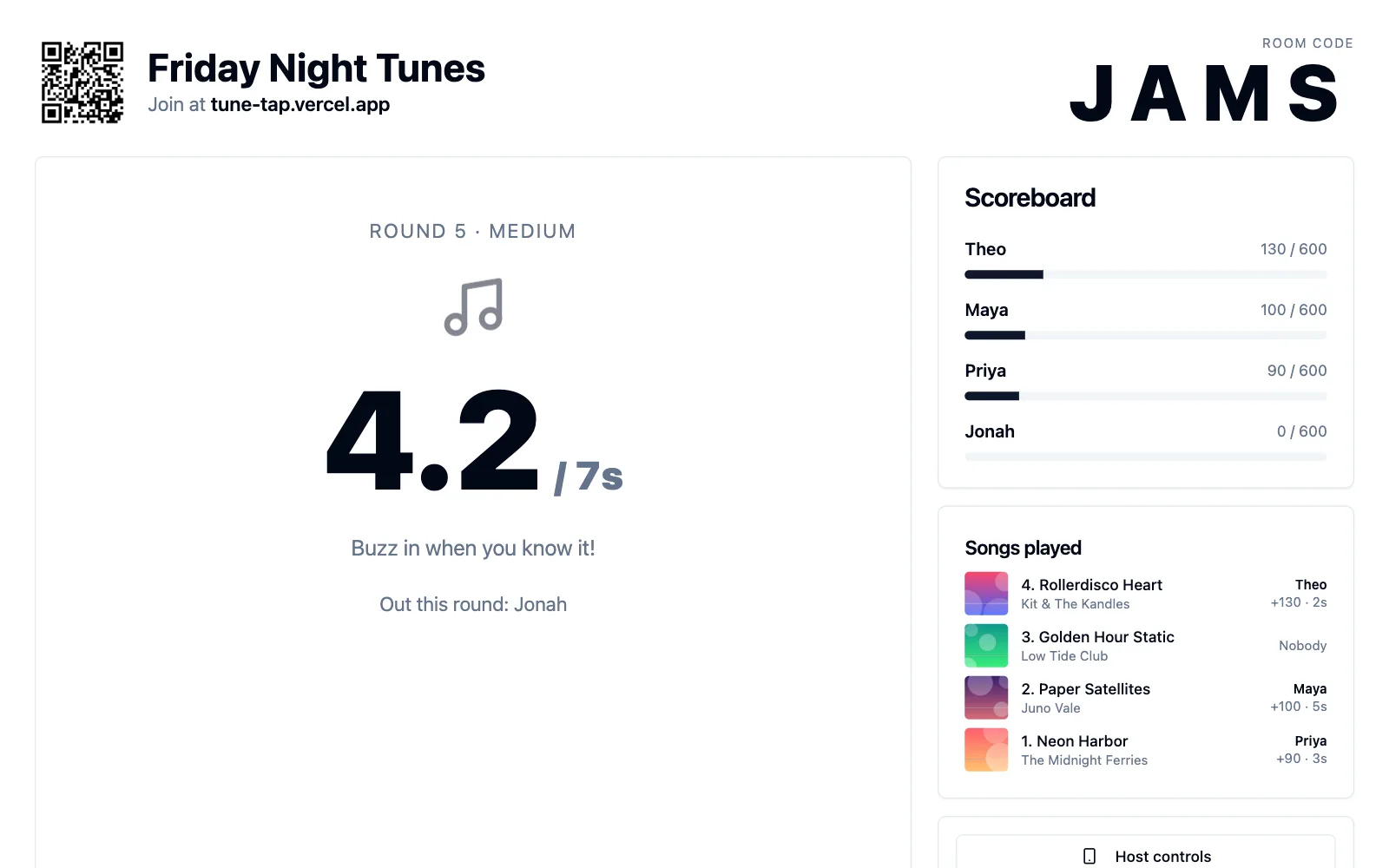
Create a room on a TV, laptop or tablet. It shows a room code and a QR code to join.
2. Everyone joins
Players scan the code or type it in, then pick a name. That's it: no download, no account.
3. The host takes their phone
Scan the TV's Host controls code to pick songs and judge answers from your own phone.
4. Buzz and answer
The song plays, the first buzz pauses it, and you say the song out loud. Right answers score; wrong ones sit out.
Made for a room full of people.
The TV keeps everyone in the game, each phone is a buzzer, and the host runs it all without leaving the couch.
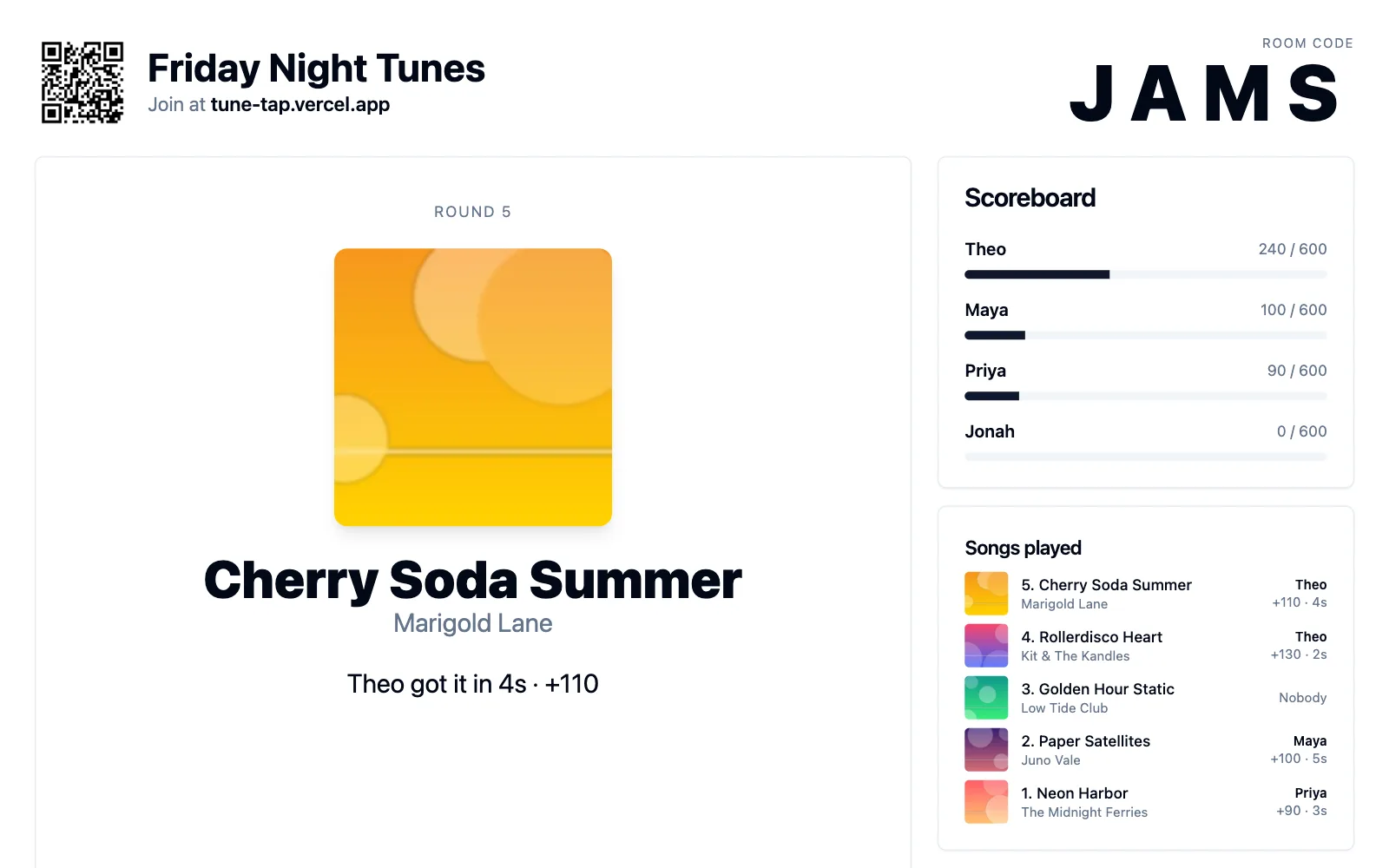
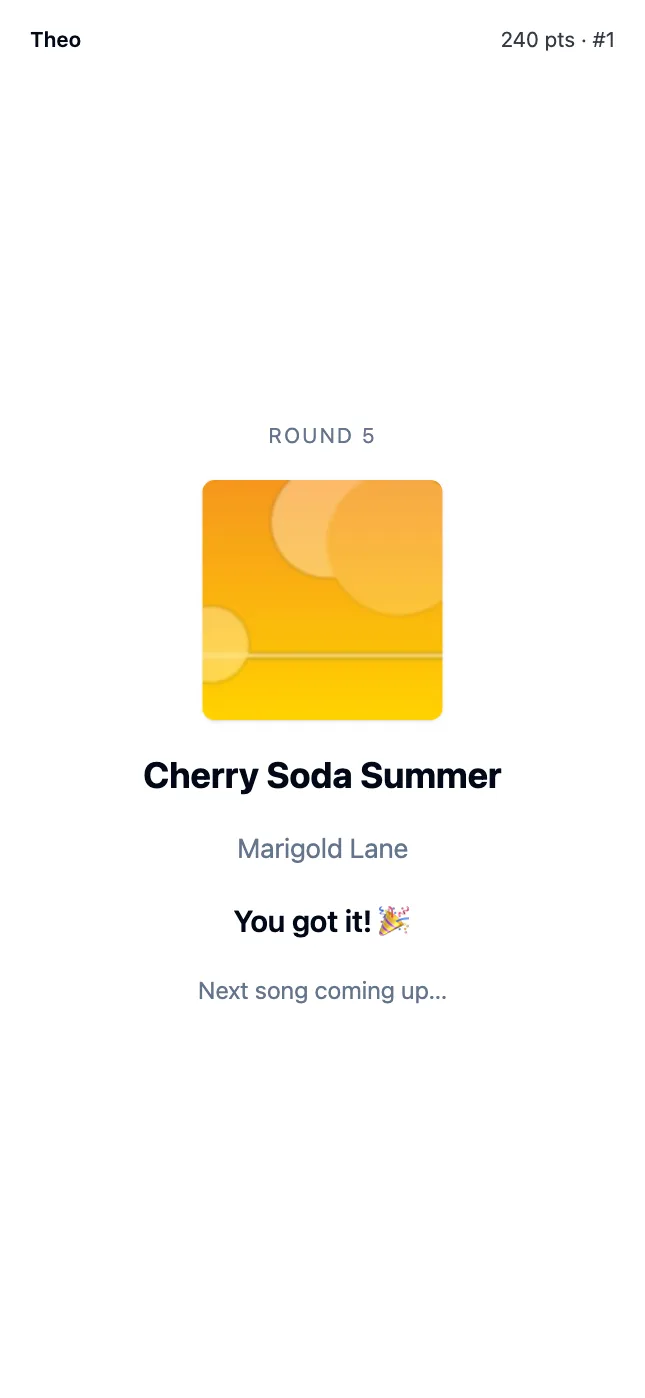
One big screen everyone watches.
The room code, a clock everyone sees in sync, who buzzed, and then the reveal with the album art and the points. The scoreboard and the songs played so far sit alongside.
- Big QR code in the lobby, and a small one in the corner for anyone who arrives late
- Never shows the answer before the reveal
- Every song played, who named it, how fast and for how many points
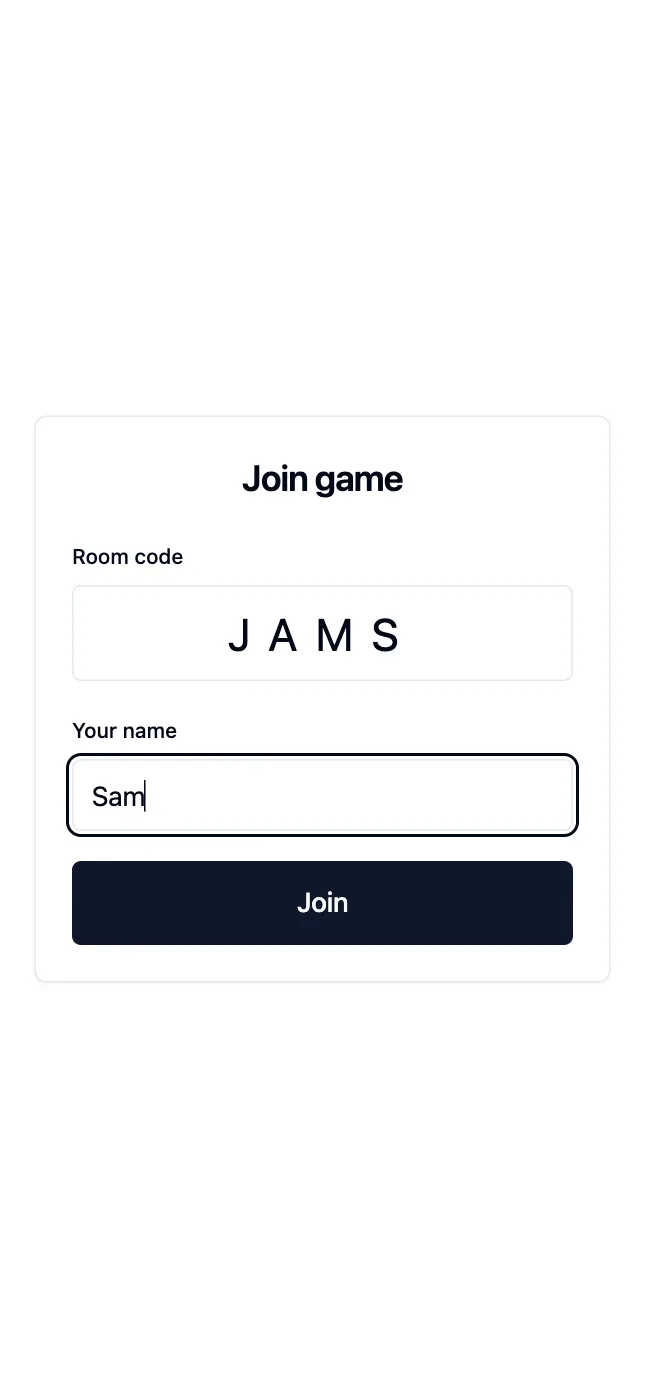
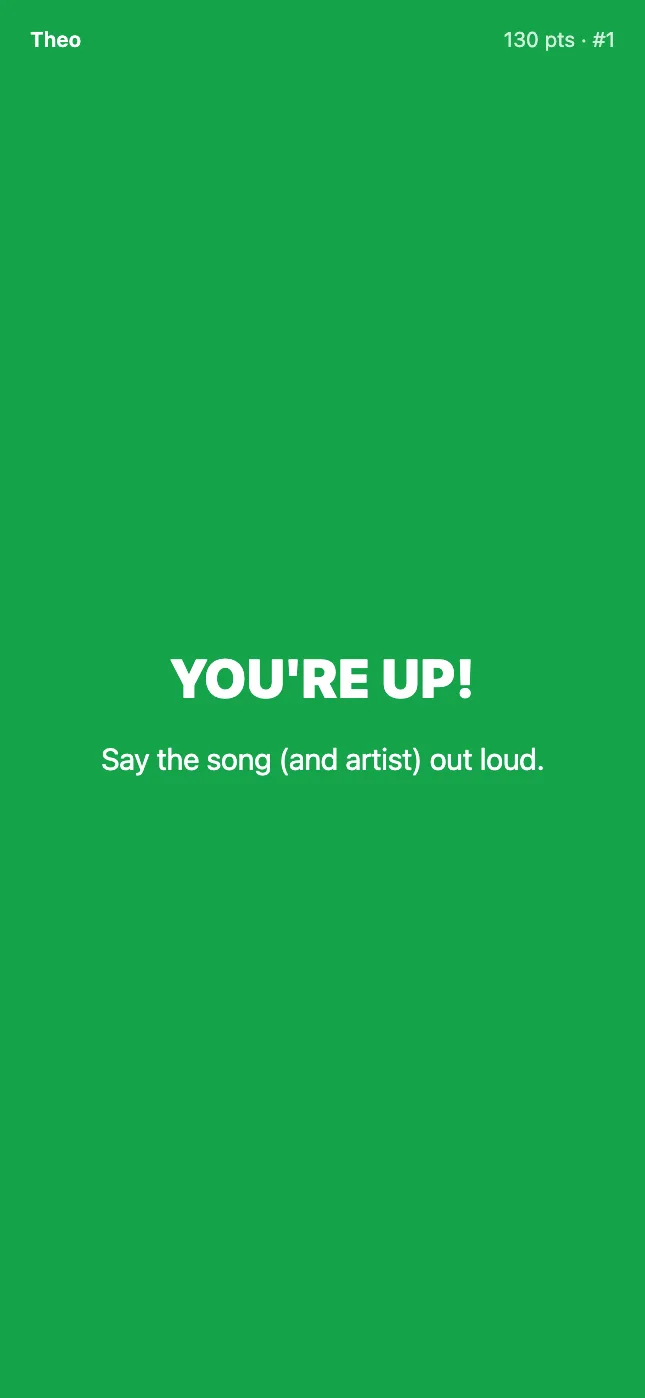
Every phone is a buzzer.
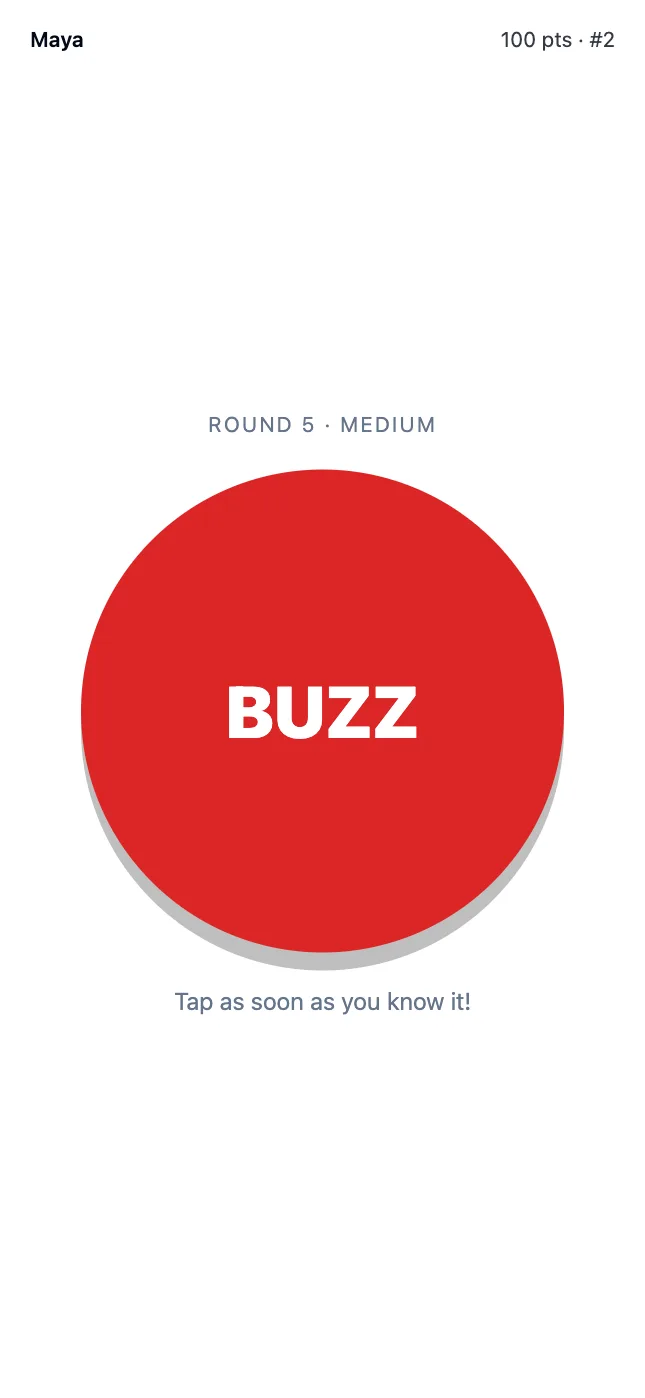
Players open the game in their phone's browser and get one huge button. Whoever presses first gets to answer, decided by the server, so nobody argues about who was quicker.
- Join with a room code or a QR scan, nothing to install
- Your phone turns green when it's your turn to answer
- Miss, and you're locked out while the song keeps playing for everyone else
- Close the tab by mistake and you're back in, score and all
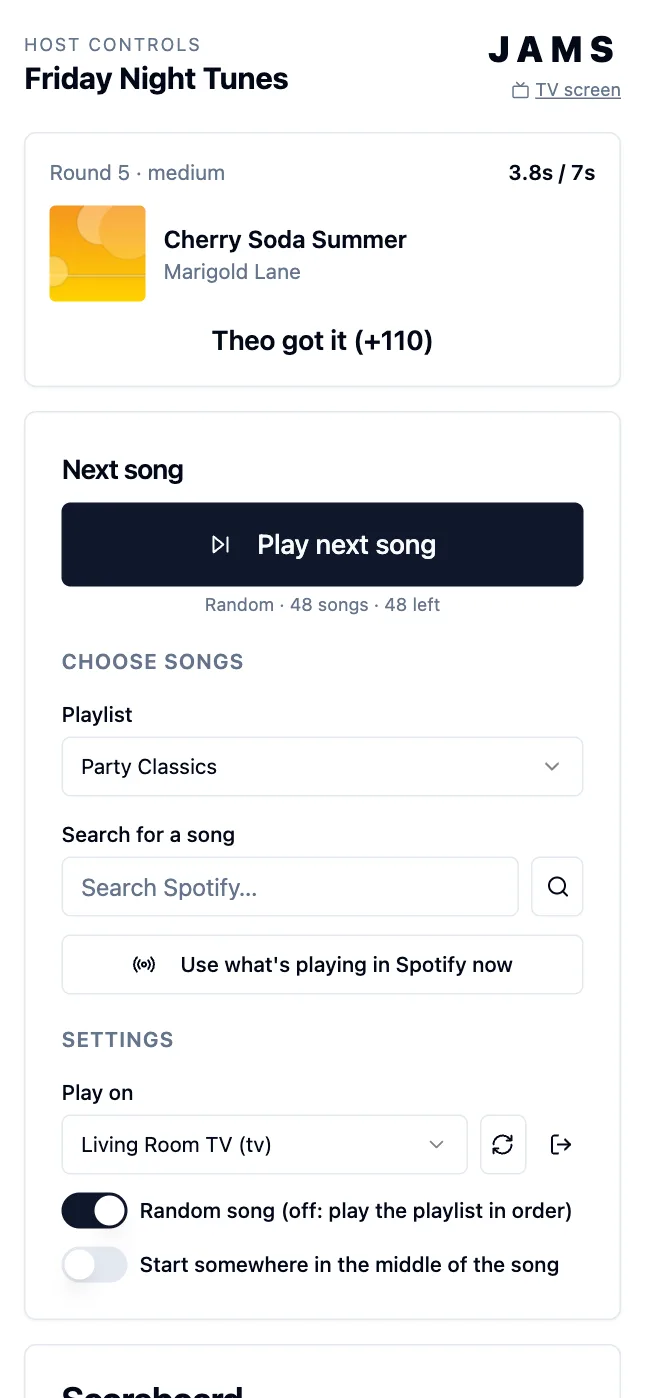
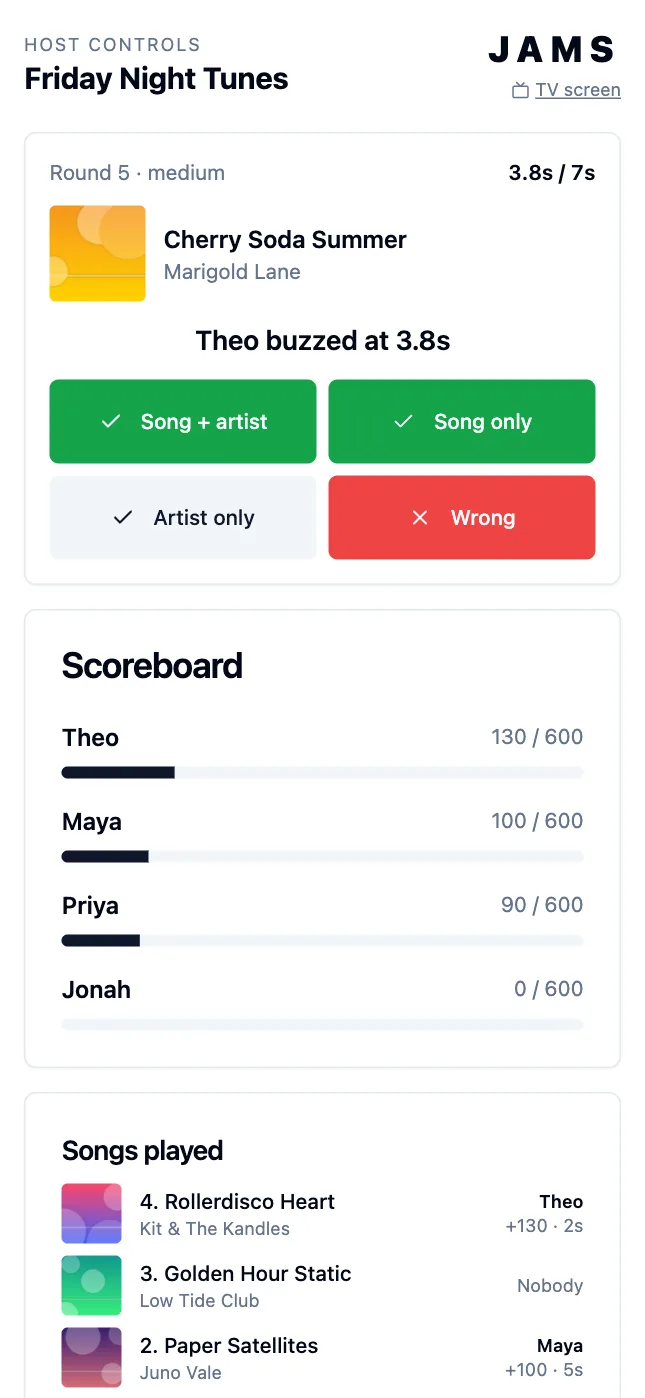
Run the game from your own phone.
Pick the next song, hear the answer, and score it with one tap. The music pauses the moment someone buzzes and plays on after the reveal.
- Play next song from Liked Songs, your playlists or anyone's public playlist link
- In order or shuffled, from the start or from somewhere in the middle
- Search for a song, or use whatever's already playing in Spotify
- Running the game on the TV itself? The song stays hidden until it's revealed
Speed pays.
Every second you wait costs points, and the clips get shorter as the game goes on.
Up to 100 points
Name the song in the first second for 100. Each second after that is worth 10 less, down to 10.
+50 for the artist
Name the artist too for a 50-point bonus. Artist only still scores the 50.
Shorter and shorter
10-second clips for the first three songs, then 7 seconds, then 5.
Short, medium or long
First to 300, 600 or 1,000 points wins. Pick when you create the room.
Good to know.
What do players need?
A phone with a web browser. No app, no account and no Spotify. They open the room code link and pick a name.
What does the host need?
To play songs straight from Spotify, a Spotify Premium account, and Spotify open on the speaker, TV, computer or phone that should play the music. Without Spotify you can play music any way you like and the game still runs the buzzers, the clock and the scores.
Can anyone host with Spotify?
Not yet. While the game is in beta, Spotify limits it to a short list of hosts. Ask to be added. Hosting without Spotify is open to everyone.
Can I use someone else's playlist?
Yes. Paste the link to any public Spotify playlist. Spotify doesn't share other people's song lists with apps, so the game plays the playlist in Spotify and reads what's next. You may hear the very first song for a split second while it's lined up.
Does it cost anything?
No. The game is free. Spotify Premium is Spotify's own subscription.
Ready for game night?
Open Name That Tune on the TV, create a room, and hand everyone the code.