Shot on sticks. Looks like someone was holding it.
Drop Mockumentary Cam on a clip and it moves like a documentary operator is filming: the slow sway of someone standing with a camera on their shoulder, the small wobble of their hands, and the snap zoom onto a reaction that lands a beat late.
 REC
Built from how a real operator moves.
Each kind of movement has its own slider, so you can go from a steady hand to a run-and-gun scramble.
Body drift
The slow sway and breathing of someone standing with a camera on their shoulder.
Handheld wobble
The quicker movement of hands on the camera, plus a little roll that follows the sway.
Micro tremor
A fine, fast jitter that makes even a calm shot feel like a person is holding it.
Reframes
Every few seconds the operator nudges the frame, overshoots a hair and settles.
Long-lens shake
Zoomed in, every movement is magnified, just like on a long lens.
Edges stay covered
A little overscan, and the frame never drifts far enough to show a black edge.
The punch-in on the reaction.
The move that makes a mockumentary. Let the effect throw them in on its own, or put them exactly where the joke lands.
Automatic
Turn on Auto Snap Zooms and set how often. It punches in, holds, and creeps back out, sometimes snapping out instead.
Keyframed
Keyframe Manual Zoom with hard steps and each step becomes a real lens move, with the zoom rocker's spring and overshoot.
From markers
Drop markers named "in", "in 1.6" or "out slow" and the Markers to Zooms script turns them into zooms for you.
A late operator
Set the zoom target, and the frame pans to it a beat behind the zoom, with a jolt of extra shake while the lens moves.
Good to know.
Where do I find it in Resolve?
On the Edit page, in Effects. Drag Mockumentary Cam onto a clip and adjust it in the Inspector. It's built as a Fusion effect, so it works in the Fusion page too.
Will it look the same every time I render?
Yes. The movement comes from a seed, so the same settings always move the same way. Change the seed for a different take of the same camera move.
Does it crop my shot?
A little. The frame is scaled up slightly (Overscan Zoom, 8% by default) so the movement never shows an edge. Keep Edges Covered on and it grows the frame just enough when it rolls.
Is the demo above the real effect?
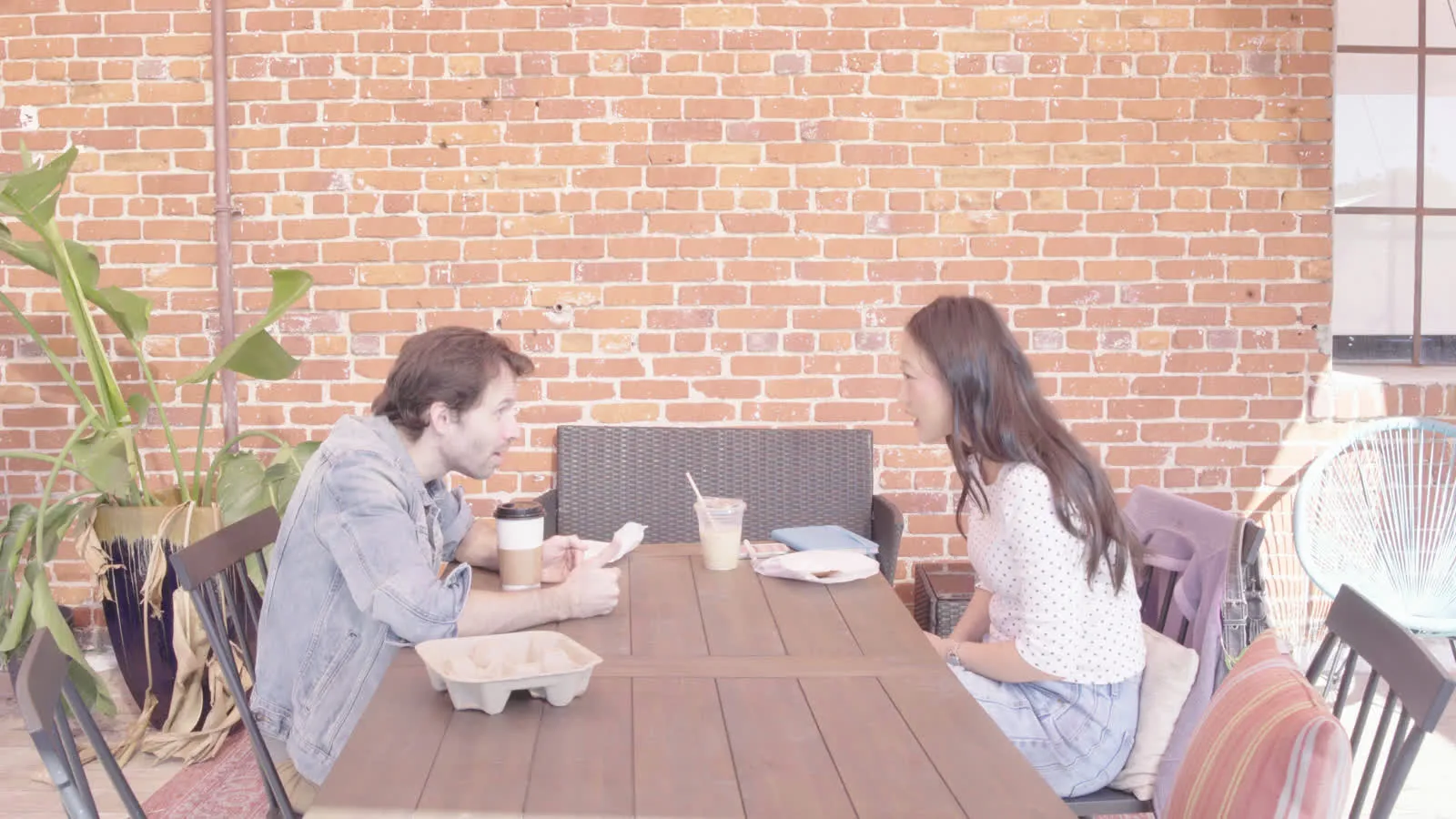
It's the effect's own motion code running in your browser on a still frame, with the default settings. In Resolve it moves your actual footage, with every slider to adjust.
How do I get it?
Mockumentary Cam is in early testing. Ask for early access.
Give the camera a personality.
Mockumentary Cam is in early testing for DaVinci Resolve.